New Features And Section!

We’ve added some new cool features which you can see below:

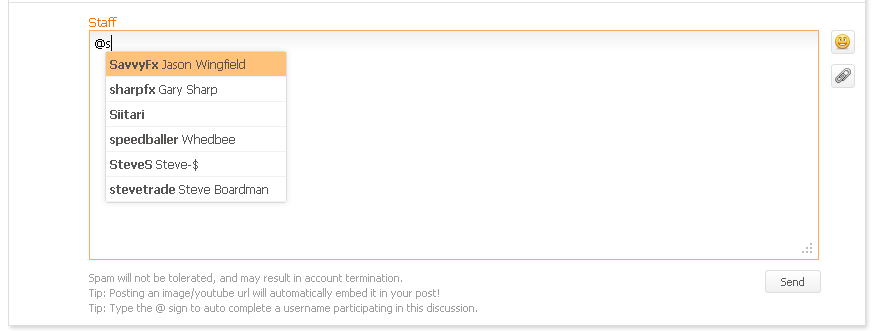
  • Auto complete for a username participating in a discussion for quick reference:
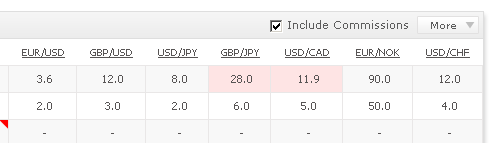
  • Spreads can now include commission with a click of a button:
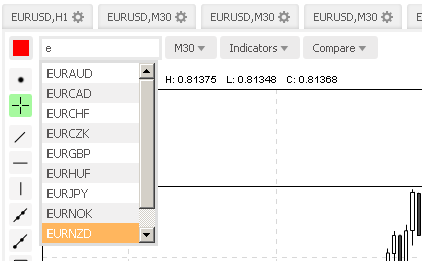
  • Currency in a chart can now be typed in for quicker and easier selection
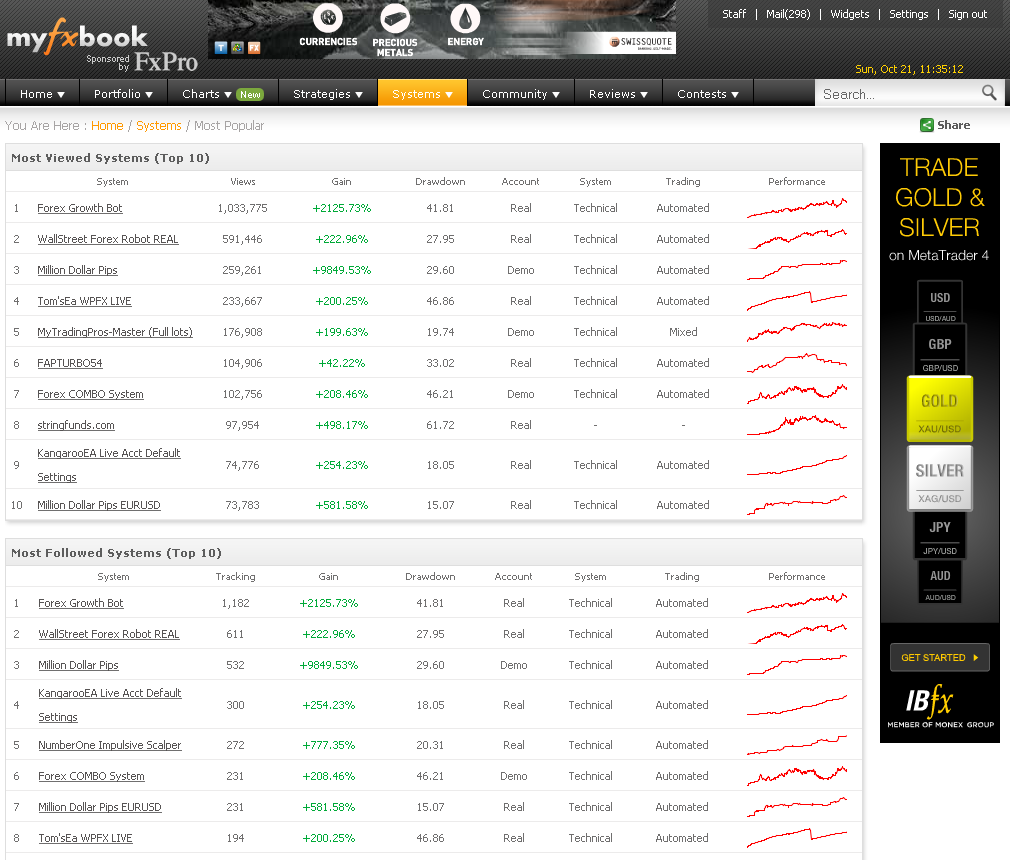
We’ve also added a new section called “Most Popular Forex Systems” – this section provides the top 10 viewed systems, top 10 followed systems, and top 10 discussed systems of all time!
Wish you a great trading week ahead!

The Myfxbook team.

Contest Winners Announced!

We’re happy to announce the winners of our latest contest sponsored by IamFX!

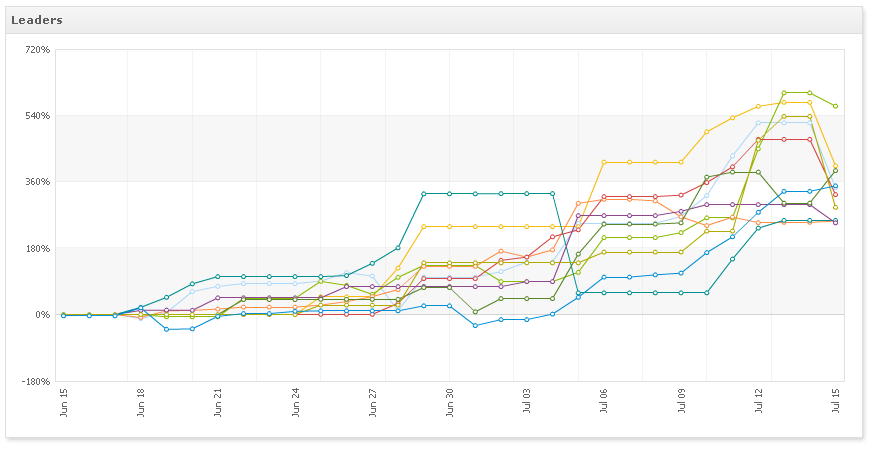
Here’s some interesting information about the competitors – only 18% ended up profitable and almost 20% got margin called;

And the winners are:

1st place – rudijepara with a 3332.92% gain, winning a $3,000 real funded forex account  https://www.myfxbook.com/members/rudijepara/contest-rudijepara/384666

2nd place – gornkung with a 2279.28% gain, winning a $1,500 real funded forex account https://www.myfxbook.com/members/gornkung/contest-gornkung/371868

3rd place – DAF666 with a 1201.09% gain, winning a $500 real funded forex account https://www.myfxbook.com/members/DAF666/contest-daf666/377453

Congratulations winners! You will be contacted by IamFX to claim your prizes!

Thank you all who participated. Until the next contest! 🙂

Have a great week,

The Myfxbook team.

New Charts Section!

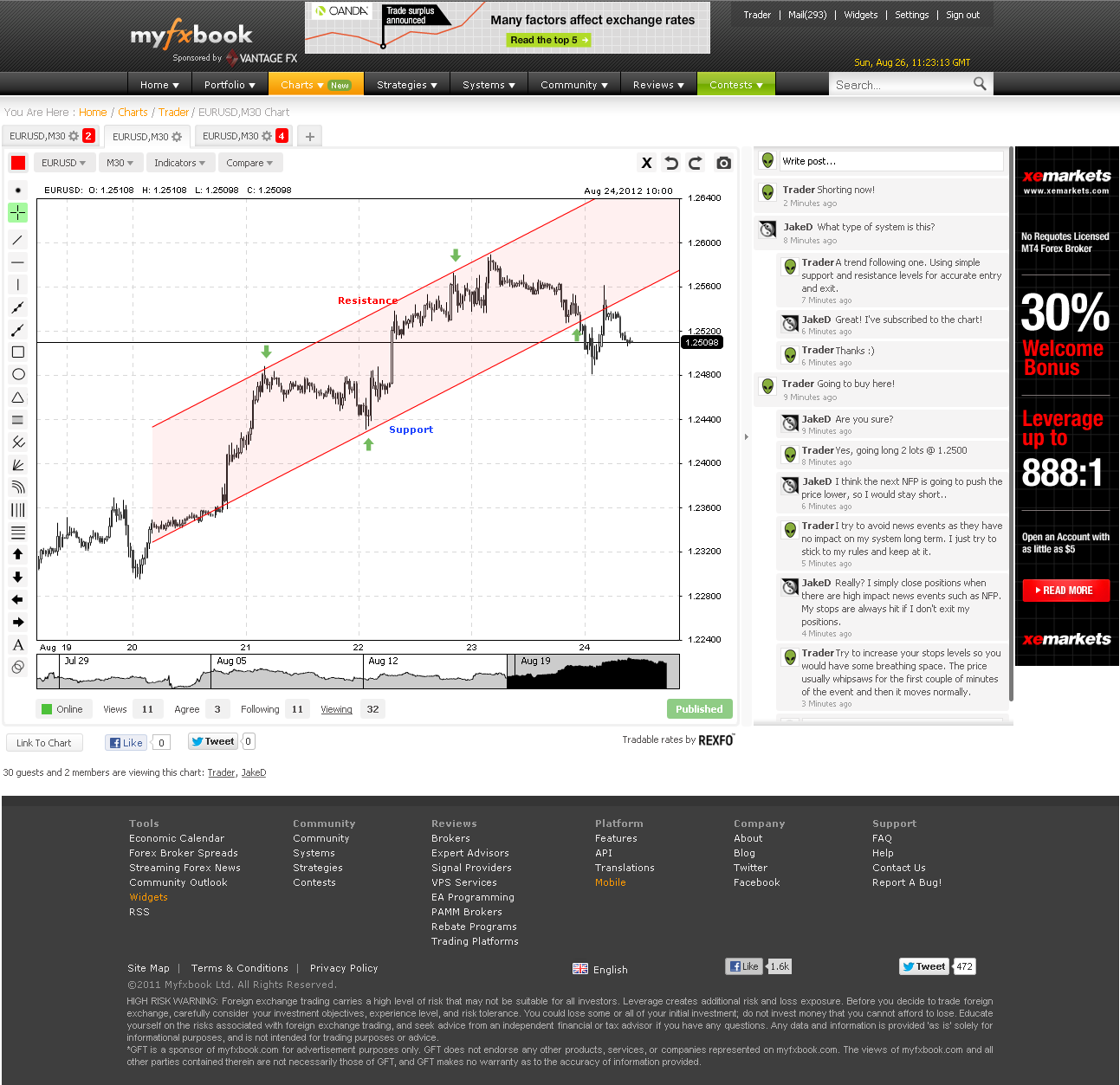
We’re excited to reveal the new and latest addition to Myfxbook – a charts section!

What’s a social forex trading community without a sophisticated charts area? This is a section we’ve been working on for a while now in order to create a one of a kind, one place stop for creating, sharing and discussing charts in real-time!

There are many features which you will notice and here’s the list (the list is quite long, so please bear with us 🙂 ):

Real time feed and real time chart sharing with anyone watching the chart.
Vote and follow charts. Get notified of every change to a subscribed chart in real-time and by email.
Create an unlimited amount of charts. Tabs will help you to keep everything in order.
Up to 9 different timeframes: 1minute, 5 minutes, 15 minutes, 30 minutes, 1 hour, 4 hours, 1 day, 1 week and 1 month.
Instantly create a snapshot of the chart to be posted in a forum, blog, website, facebook, with a click of a button, twitter and so on. No need to use an image editing software.
Use templates to create and save your own chart settings. Use different styles for different trading systems.
All data is saved server side. No matter if you’ve started your chart in your office – you can pick off from the same spot where you’ve left off at your home.
Publish your chart to thousands of forex traders so it can be discussed an analyzed by our community.
Over 15 different tools: fibonacci arcs, fibnacci fan, trendlne, rectangle, circle and many more.
Over 50 different currencies:

EURUSD, GBPUSD, USDJPY, GBPJPY, USDCAD, EURAUD, EURJPY, AUDCAD, AUDJPY, AUDNZD, AUDUSD, CADJPY, EURCAD, EURCHF, EURCZK, EURGBP, EURHUF, EURNOK, EURNZD, EURPLN, EURSEK, EURTRY, GBPCAD, GBPCHF,NZDCAD, NZDJPY, NZDUSD, USDCHF, USDDKK, USDHUF, USDNOK, USDPLN, USDSEK, USDTRY, USDZAR, CHFJPY, AUDCHF, GBPNZD, NZDCHF, XAGUSD, XAUUSD, CADCHF, GBPAUD, GBPSEK, NOKJPY, CHFNOK, USDRUB, USDMXN, USDSGD, USDHKD, EURDKK, SEKJPY, SGDJPY, HKDJPY, ZARJPY, CHFSEK, TRYJPY.

Over 30 different indicators: ATR, CCI, RSI, Stochastic, MACD, and many more.
Fully customizable charts including the text color, background color, grid color and scroller color. Unlimited styles for unlimited tastes.
Comparison mode – compare simultaneously up to 3 different currencies, side by side, to understand correlations better.
11 different chart modes: Candlestick, OHLC, line, area, bar, StepLine, Stick, Market, Spline, SplineArea, StepLineArea.
Inbuilt invitations. Just copy the url and share the chart in real time with your fellow traders.

You can keep your chart private (and use the real-time chat as a trading journal) or share it with others.

Also, we will be featuring selected charts on our Facebook and twitter page – if you wish to have your forex chart featured, please make sure it is clearly explained.

Let us know what you think and if you have any suggestions or feedback, we would love to hear it as always! (Please keep in mind that the new section is in beta, so in case of any issues, do let us know).

Go ahead and check out the latest published charts and/or add your own: https://www.myfxbook.com/forex-charts

Regards,

The Myfxbook team.

Are You Getting The Best Quote?

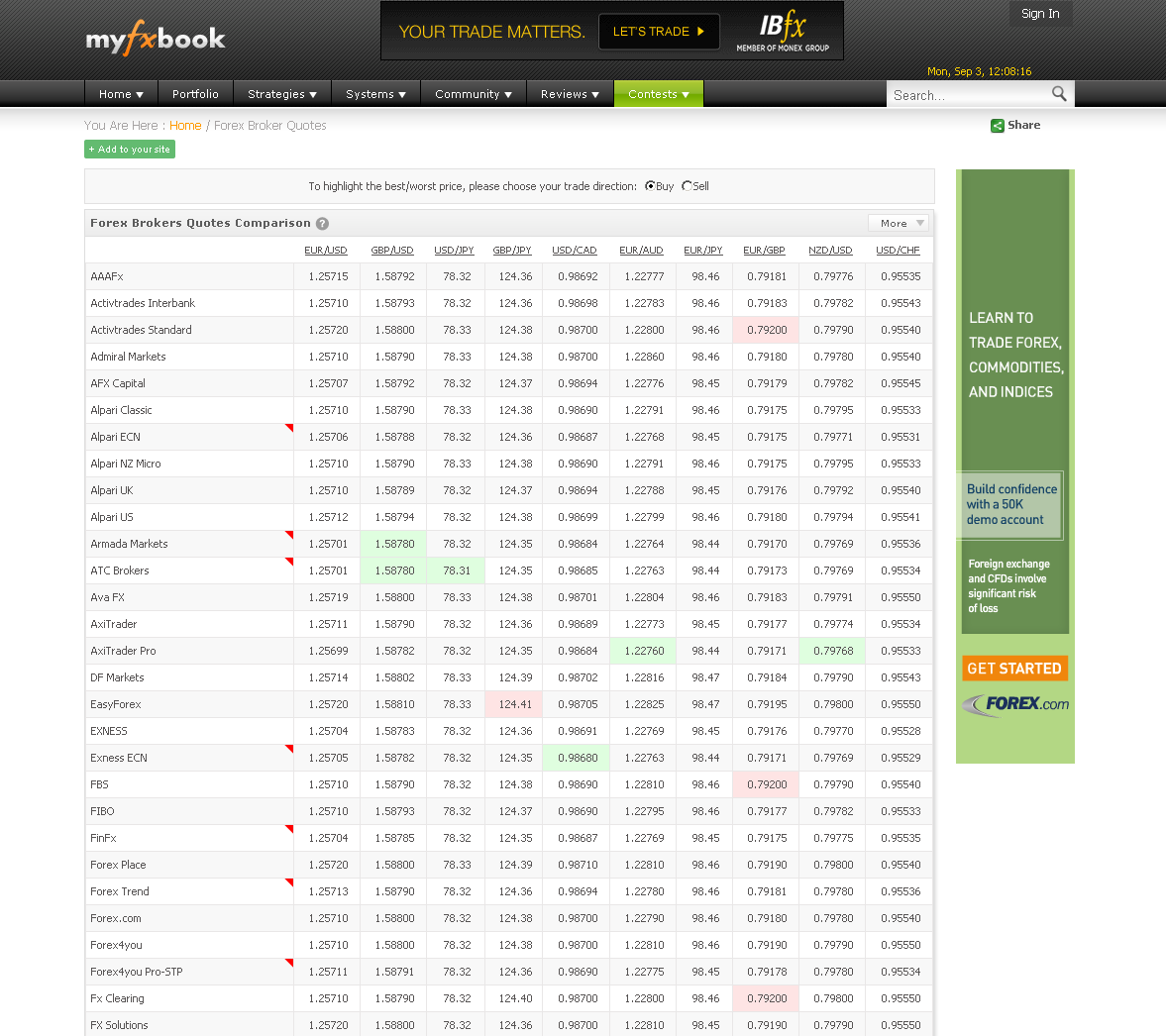
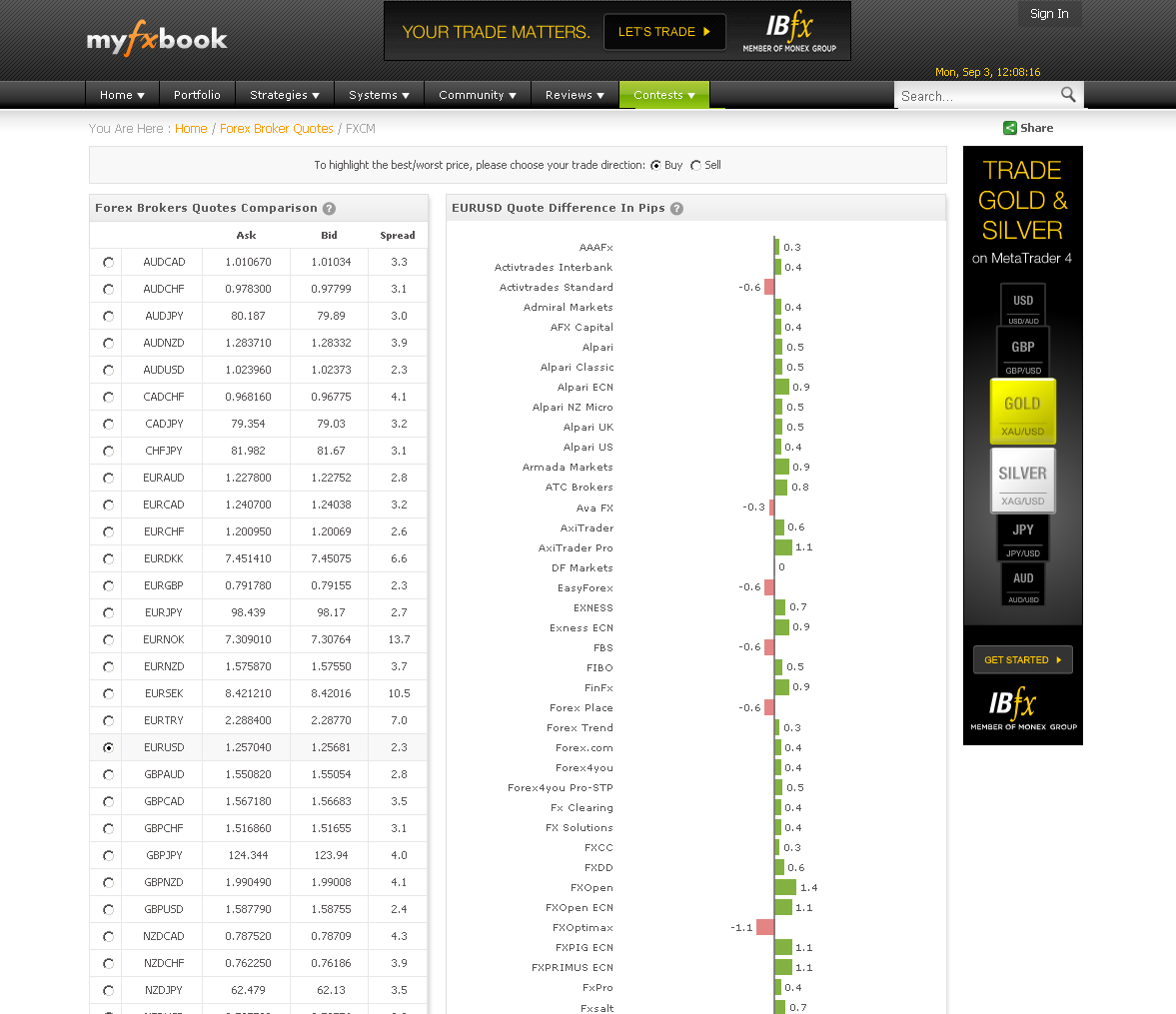
We’re happy to announce the addition of a new quotes comparison section which should be a very handy tool for arbitrage purposes and quote comparison, showing you unique and vital information unavailable anywhere else!

The section covers all of the brokers covered in the spread section (over 70 brokers) and shows a real-time quote table, highlighting the best/worst quote in real-time!

Clicking on a specific broker will reveal a bar chart updating in real-time the difference in pips from other quotations.

As with the spreads, the data is collected from over 10,000 real accounts, in real-time.

The new section already contains a widget which you can use in your blog/website.

Let us know what you think and if you have comments/suggestions on the new section.

Regards,

The Myfxbook team.

New Trading Contest! $5,000 In Prizes!

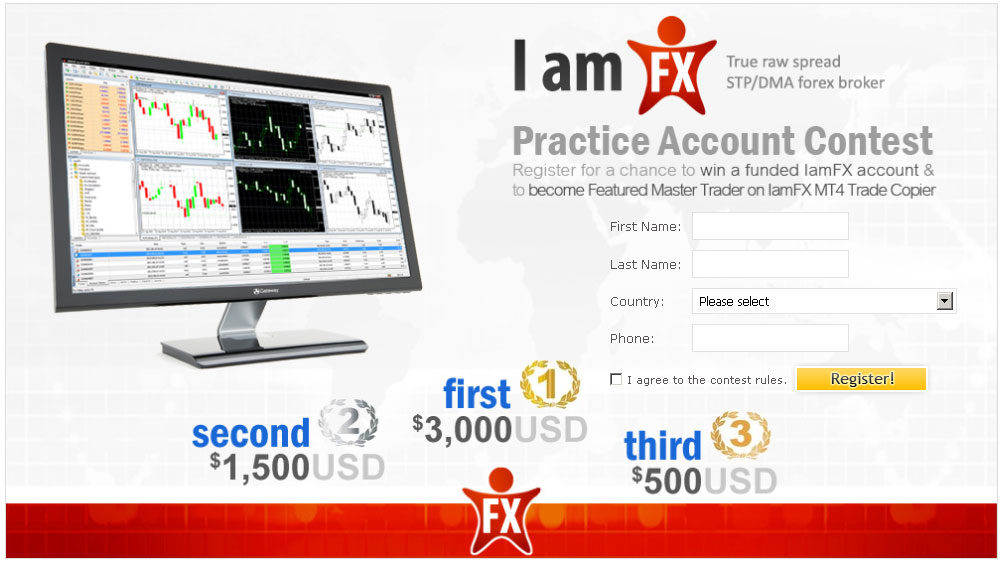
We’re happy to announce the registration for a brand new trading contest sponsored by IamFX! Total prizes are in total of $5,000:

1st place – $3,000

2nd place – $1,500

3rd place – $500

Contest winners are also eligible to become Featured Master Traders on IamFX MT4 Trade Copier.
Competitors will start with a $50,000 balance and 1:200 leverage.

Register here: https://www.myfxbook.com/contests/trading-championship-september-2012-iamfx/11/rules

Good luck!

The Myfxbook team.
Latest Contest Cancelled

We’ve been getting a lot of emails from concerned members regarding the sponsor of the contest (Commexfx), who notified us of several worrying reviews on other websites (which we weren’t aware of). After a long discussion, we’ve taken the unusual step of cancelling a contest.

We would like to thank all of the members who notified us with this situation and would like to apologize for the inconvenience.

On the same note, a new contest will be announced next month, which you’ll be able to register for.

The Myfxbook team.
New Trading Contest! $8,500 In Prizes!

UPDATE – August 05, contest cancelled

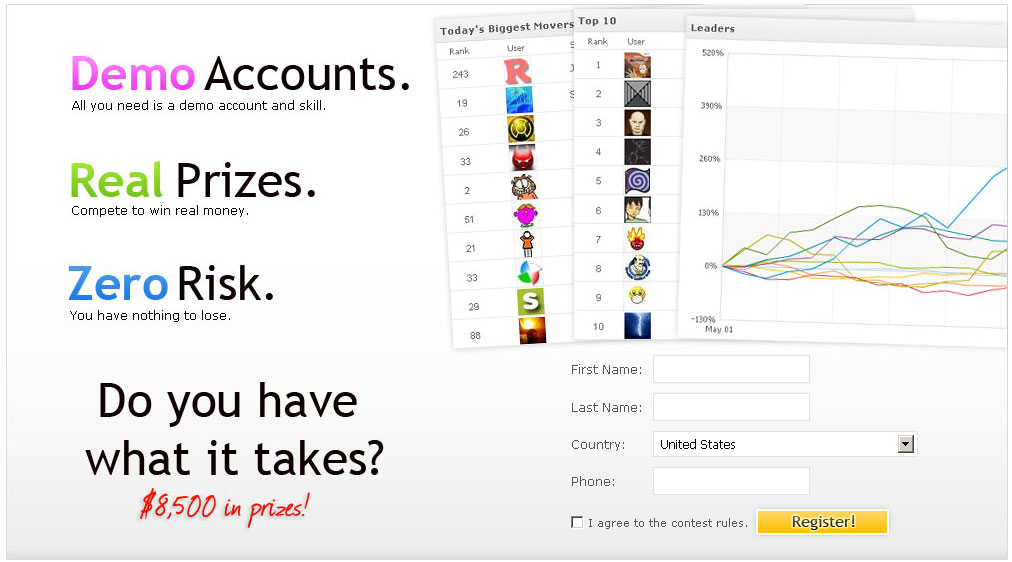
We’re happy to announce that registration for a new contest sponsored by CommexFx has just started! Total prizes are in total of $8,500:

1st place – $5,000

2nd place – $2,500

3rd place – $1,000

Trading is performed with the MetaTrader 4 platform this time, so you can use experts to trade.

To register, please go here: https://www.myfxbook.com/contests/trading-championship-august-2012-commexfx/10/rules

Best Regards,

The Myfxbook team.

Contest Winner Announced

We’re glad to announce the winners of our latest contest. Trading was performed manually on Oanda’s fxTrade platform (no expert advisors) and it was very interesting to see how it developed; The first place trader was far away from the rest, however the 2nd and 3rd place ended up very close to each other:

Top 3 trades are (sorted by equity gain):

1st place Contest – bcfxsignals with 565.35%, winning a $3,000 funded account.

2nd place Contest – wasoono with 403.41% , winning a $1,500 funded account.

3rd place Contest – viettrader with 390.775, winning a $500 funded account.

Hope you had great time participating in this contest! Thank you traders for taking part and thank you Oanda for sponsoring it!

Have a great week,

The Myfxbook team.
MetaTrader 5 Is Now Supported!

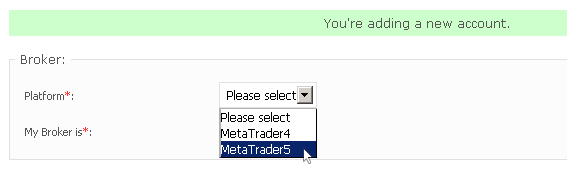
We’ve just added support for MetaTrader 5! Although still in beta, you can go ahead and start using it (select MetaTrader5 in account addition form):

Let us know if you encounter any bugs or if you have any comments. Please note verification is not yet supported for MetaTrader 5 accounts.

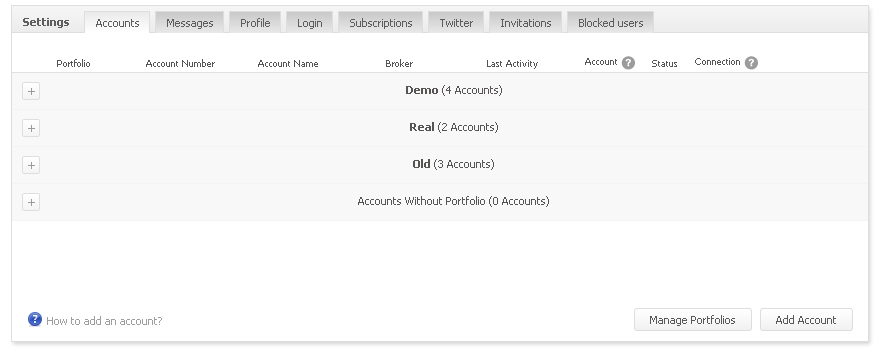
We’ve also changed the way you see your accounts in your settings – if you’re using portfolios, you will notice your accounts are now grouped in the settings screen in the same way:

Click on the left plus sign to expand/collapse a group.

Have a great week,

The Myfxbook team.